Bring in your clips
Choose video or images from your gallery and place them exactly where the story begins.
Free • AI-first • Built for Android
Let AI accelerate captions, backgrounds, and your first cut. Then take over with a full multi-lane editor — free.
From camera roll to final cut
Start quickly, stay in control, and finish in the format your story needs.
Choose video or images from your gallery and place them exactly where the story begins.
Use AI assistance for captions, backgrounds, and a faster first cut, then refine every layer by hand.
Choose a social preset or custom quality, then export a polished MP4 to your gallery.
Preview first. Detail when you need it.
The preview stays readable while expandable lanes give clips, text, stickers, music, voiceover, and original audio their own space.

Built around the edit
Enough depth for layered work, with a calm interface that keeps the footage in focus.
Start with a strong rhythm and replace the footage with your own. Travel, food, fitness, celebrations, products, pets, and more.
Wanderlust Foodie
Reel
Foodie
Reel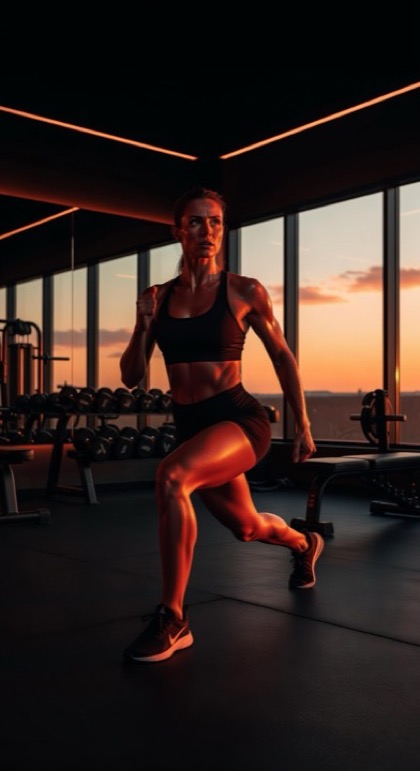 Workout
 Moody
Art
Moody
ArtUse tailored presets or choose your own resolution, frame rate, and quality.
Place overlays on the canvas and timeline, then adjust timing, position, scale, color, and outline.
AI assistance meets you at useful moments: captions, background separation, and automatic first cuts. Tools remain optional, and experimental features are clearly marked.
Supported exports can carry provenance information that travels with the finished file.
Your editing workspace is built around Android and local media. Open a project, make changes, and return without turning every creative step into a web workflow.
Free tools. Intelligent assistance.
Use as much or as little assistance as you want, without giving up precise timeline control.
Assistance is built into meaningful editing moments instead of hidden in a separate workflow.
Core editing centers on projects and media stored on your Android device.
Core editing tools and full-resolution export presets are available without a subscription.